> For the complete documentation index, see [llms.txt](https://docs.umbraco.com/llms.txt). Markdown versions of documentation pages are available by appending `.md` to page URLs; this page is available as [Markdown](https://docs.umbraco.com/umbraco-cloud/begin-your-cloud-journey/the-cloud-portal/organizations.md).
# Organizations
On Umbraco Cloud, it is possible to set up an Organization. An organization is handy if you are managing many projects for different customers. It is also handy if you need to manage permissions for multiple users (such as developers and content editors.
With an organization, you get an overview of all projects and members that are part of it. You can also manage payment methods for projects, as well as many other functions outlined on this page.
In the following sections, we will go through the different options that are available to an Organization:
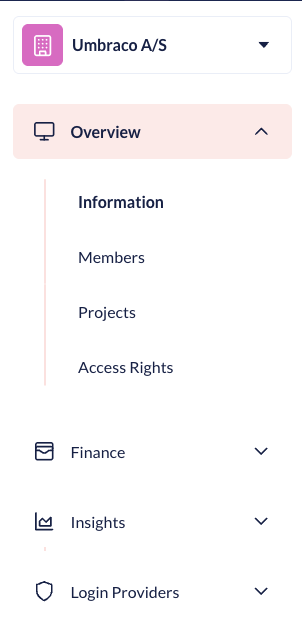
Organization Overview
{% hint style="info" %}
Are you interested in getting an organization, or need a project added to a different organization? Please reach out to the Support Team in the small chat box in your [project overview](https://www.s1.umbraco.io/projects).
{% endhint %}
## Overview
### Information
In the **Information** section of the Organization, you can find all the details about your Organization. If there are any changes to your details, you can change them here.

### Members
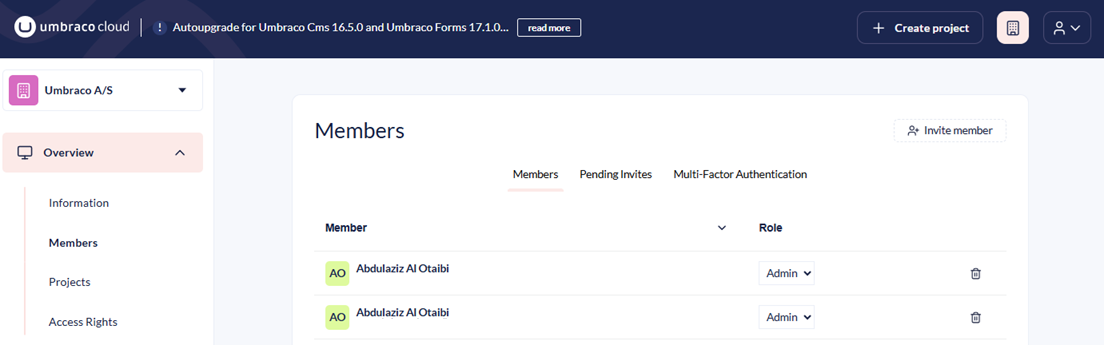
In the **Members** section, you can view current members, pending invites, and see the Multi-Factor Authentication (MFA) status for the Members of your Organization. You can also set up different permissions for your Members, such as Read, Write, and Administrators for your organization by adjusting their **Roles**.
Members added to your organization can see different details about their organization based on the user group they are added to. Currently there are three different groups, **Read**, **Write** and **Admin**. Below you can see what each user group has access to under the organization they are a part of.
Organization Members with **Admin Access** can do the following in the organization:
* Update the organization's information
* Invite others to the organization
* Invite Users to project under the organization
* Edit organization team
* See pending invitations
* See organization information
* See organization projects
* See payment history
* See subscriptions
* See organization Members
* See payment history
* Handle Multi-Factor Authentication (MFA) for users
* Handle payment methods
* Change permissions for Members
* Remove role from users
Organization members with **Write Access** can do the following in the organization:
* See Organization information
* See Organization Members
* Invite to the organization
* See pending invitations
Organization Members with **Read Access** can do the following in the organization:
* See Organization information
* See Organization Members
{% hint style="info" %}
Being a Member of an organization does not give access to any projects under it. To get access to a project under an organization, you need to be [invited](/umbraco-cloud/begin-your-cloud-journey/project-features/users-on-cloud.md) to the project. This can be done by either someone who is already part of the project or an administrator in your organization.
{% endhint %}
### Multi-Factor Authentication (MFA) enforcement
When working in organizations on Umbraco Cloud, as a company, you can enforce a certain type of Multi-Factor Authentication (MFA) method for members.

Administrators of Organizations on Umbraco Cloud can enforce MFA for specific members of their organization.
To enforce a certain MFA for a member, follow these steps:
1. Go to the **Organizations** tab under your user on Umbraco Cloud.
2. Go to the **Members** tab under Organization.
3. Go to **Multi-Factor Authentication**.
4. Find the member that needs to have MFA enabled.
5. Click on the cogwheel and select the **Enforced MFA Method** from the drop-down list for the member.
Once it has been enabled, the next time the member logs in, they will be forced to setup the chosen Multi-Factor Authentication (MFA) method. It is possible for an administrator to reset the authenticator app settings for members of the organization.
### Projects
In the **Projects** section, you can get an overview of all the Projects that have been created in your Organization.

It is possible to see the plan, project status, payment status, creation date, region, and number of environments for each of your projects.
As an administrator, you can invite members of your organization to the different projects under the organization.
### Access Rights
In the **Access Rights** section, you can get a list of all the Access Rights your Members have to each Project in your Organization.

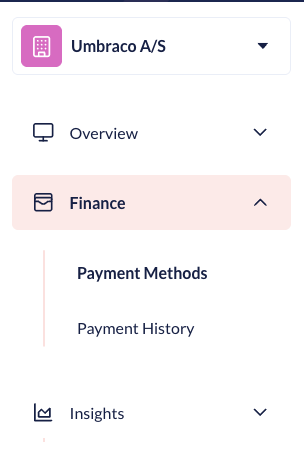
## Finance
Finance section
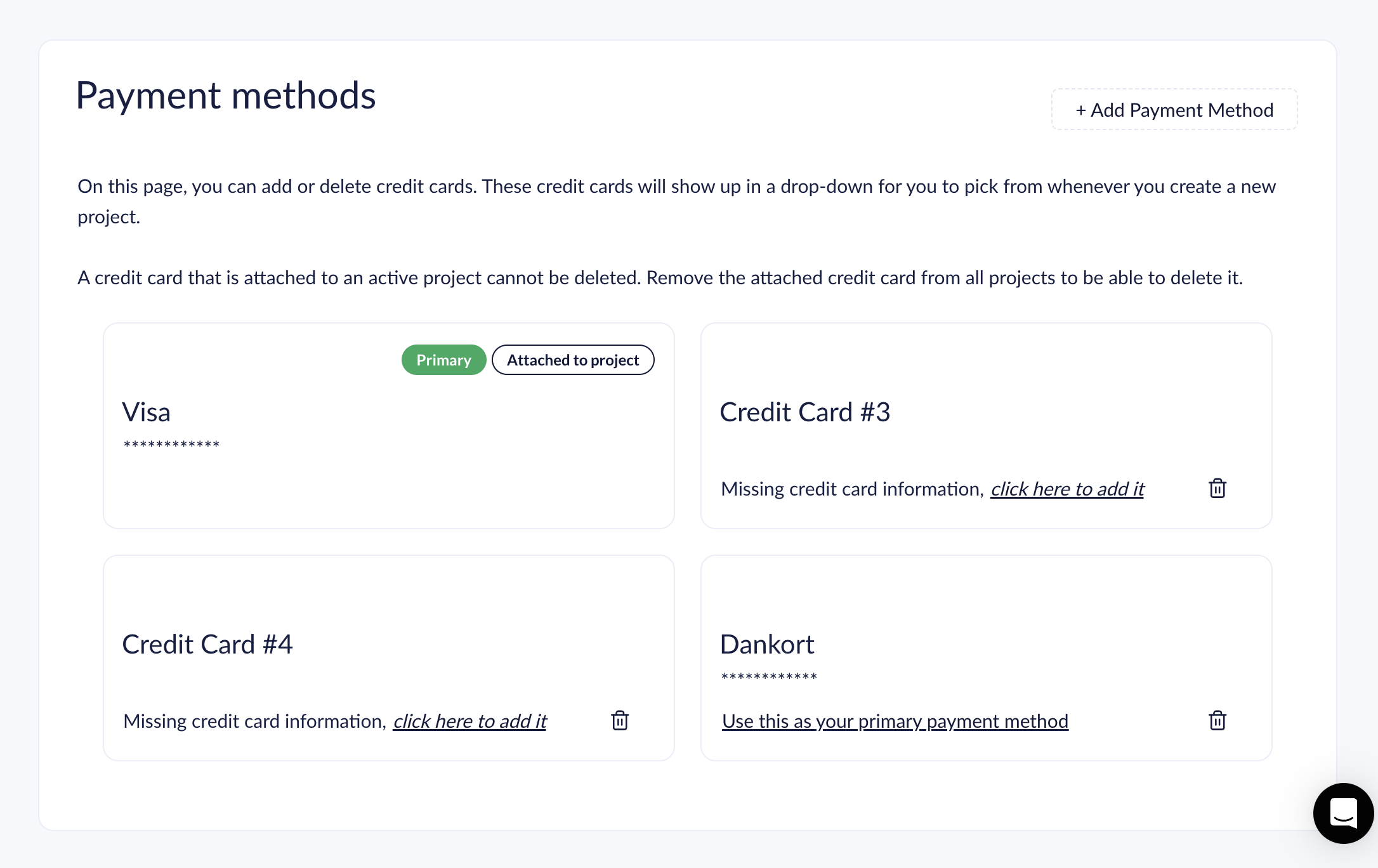
### Payment methods
In the **Payment Methods** section, you can view the payment methods for your organization. From here, you can add or delete credit card details for your Organization. These payment options will be used, when you create new projects under your organization.
Payment methods
### Payment History
In the **Payment History** section, you can see the payment history for your organization.
## Insights
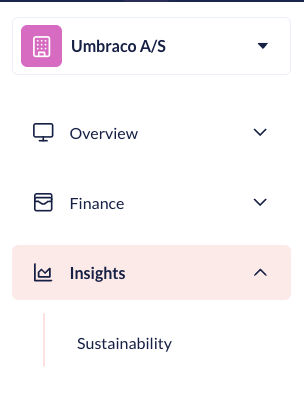
Insights section
### Sustainability
The Sustainability Dashboard is designed to help users monitor and improve the environmental impact of their websites on Umbraco Cloud. For more information, see the [Sustainability Dashboard](/umbraco-cloud/optimize-and-maintain-your-site/monitor-and-troubleshoot/sustainability-dashboard.md) article.
## Login Providers
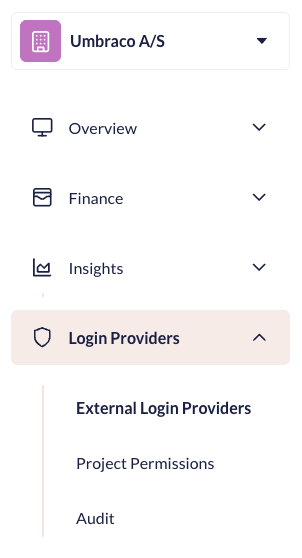
Insights section
The **Login Providers** section enables you to configure access to the Umbraco Cloud Portal and Projects.
The section also offers the possibility to follow Sign-ins and changes to Login Provider configurations.
Learn more about Login Providers for your Organization in the [Organization Login Providers](/umbraco-cloud/begin-your-cloud-journey/the-cloud-portal/organizations/organization-login-providers.md) article.
---
# Agent Instructions
This documentation is published with GitBook. GitBook is the documentation platform designed so that both humans and AI agents can read, navigate, and reason over technical content effectively. Learn more at gitbook.com.
## Querying This Documentation
If you need additional information that is not directly available in this page, you can query the documentation by asking a question.
Perform an HTTP GET request on the following URL with the `ask` and `goal` query parameters:
```
GET https://docs.umbraco.com/umbraco-cloud/begin-your-cloud-journey/the-cloud-portal/organizations.md?ask=&goal=
```
`ask` is the immediate question: it should be specific, self-contained, and written in natural language.
`goal` is what the user is ultimately trying to achieve, the reason they need the answer. Sharing it helps GitBook give you a better, more relevant answer. A goal is most helpful when it describes the outcome the user wants rather than restating the question. For example, with `ask=how do I create an API token`, a goal like `automate deployments from our CI pipeline` lets GitBook tailor the answer to that use case.
The response will contain a direct answer to the question and relevant excerpts and sources from the documentation.
Use this mechanism when the answer is not explicitly present in the current page, you need clarification or additional context, or you want to retrieve related documentation sections.